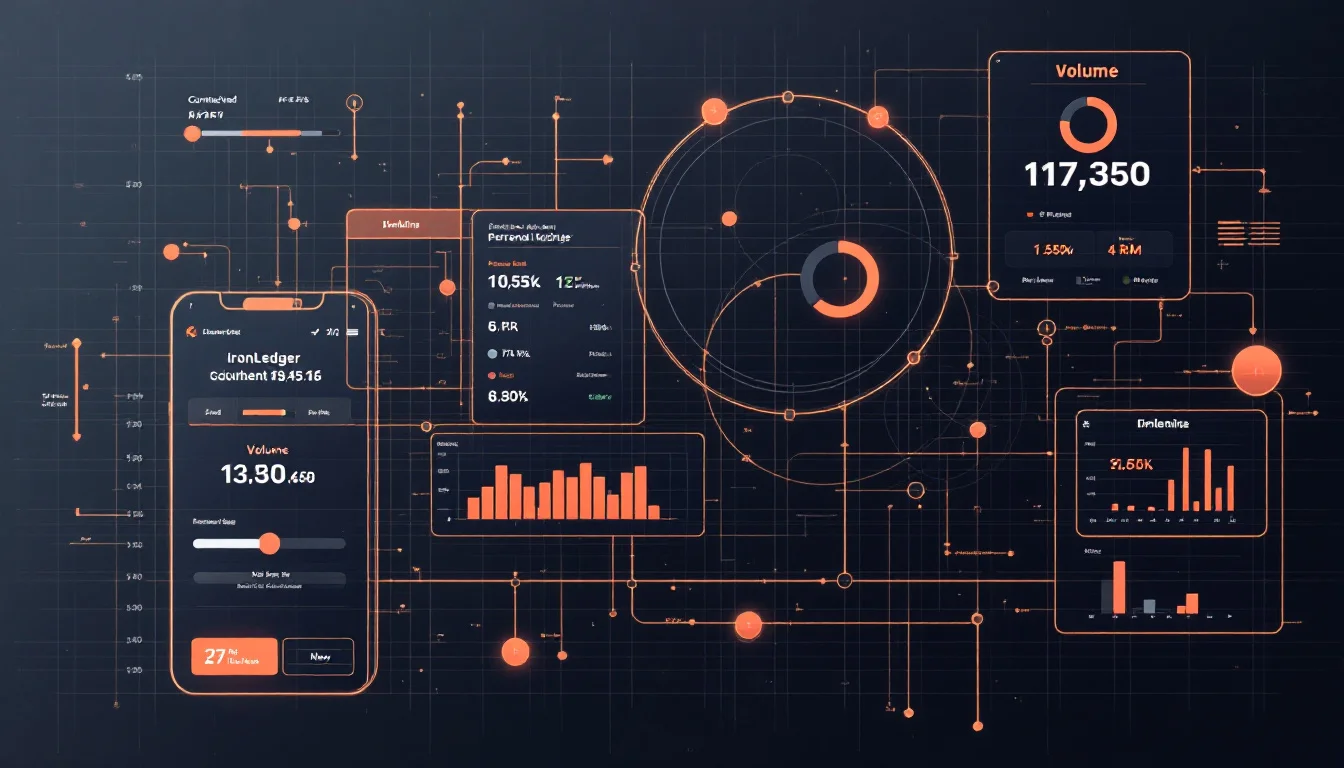
A workout analytics app should turn completed sets into decisions you can use before the next session. For strength training, that means the app needs clean set data first: load, reps, RPE or RIR, rest, notes, exercise variation, programme targets, personal records, estimated 1RM, volume, and exercise history.
The best analytics do not make training complicated. They make the next choice clearer. If a graph cannot help you add load, add reps, hold the plan, deload, or review a block, it is probably decoration.
What is a workout analytics app?
A workout analytics app is a strength-training log that converts completed workouts into progress signals. It records the session first, then shows trends such as personal records, estimated 1RM, volume, exercise history, consistency, and programme completion. The useful version explains what changed, not just that you trained.
A simple counter can tell you how many workouts you finished. A generic fitness dashboard can show calories, steps, or active minutes. A lifting analytics app has a narrower job: keep the exact work under the bar connected to the plan that produced it.
That distinction matters for self-coached lifters. If your bench press moved from 100 kg for five to 100 kg for seven, the app should show the exercise variation, rest, RPE/RIR, notes, week of the programme, and previous values. Without that context, the chart cannot tell whether you got stronger, rested longer, changed technique, or pushed closer to failure.
The workout tracking metrics guide covers the full field list. Analytics is the next layer. It answers questions like:
| Analytics question | Data the app needs | Useful decision |
|---|---|---|
| Did strength improve? | Load, reps, exercise variation, and previous values | Add load, add reps, or repeat |
| Did the same work cost more effort? | RPE/RIR, rest, notes, and recent history | Hold the plan or review fatigue |
| Did volume rise enough to matter? | Sets, reps, load, muscle group, and week | Add, hold, or reduce weekly work |
| Did the programme target get met? | Planned target, completed set, and status | Progress or repeat the prescription |
| Can I trust this trend later? | Exercise history and exportable records | Keep the training record portable |
A workout analytics app should make those answers available without forcing you to rebuild your training history in a spreadsheet after every session. If the history layer is your main concern, the workout history tracker app checklist explains which exercise-level records should survive months of training.
Which workout analytics actually help lifters make decisions?
The most useful workout analytics are personal records, estimated 1RM, training volume, exercise history, RPE/RIR trends, and programme completion. These metrics help because they compare similar work over time. Calories, social streaks, and vague readiness scores can be interesting, but they rarely explain the next strength-training decision.
Start with personal records, but do not stop there. A personal record tracker app should track more than an all-time load PR. Rep PRs, volume PRs, and estimated 1RM PRs all show different forms of improvement. For analytics, the important rule is that each PR must point back to the set behind it.
Estimated 1RM is useful when you compare submaximal performances across weeks. IronLedger's progress analytics page verifies estimated 1RM using the Epley estimate, along with personal records, volume, weekly and exercise-level trends, and chronological exercise history. The estimated one-rep max guide explains why e1RM is best read as a trend rather than a promise that you can hit the number today.
Volume analytics matter because volume is one of the main levers lifters adjust. Schoenfeld, Ogborn, and Krieger's 2017 meta-analysis included 34 treatment groups from 15 studies and found weekly resistance-training volume significantly affected changes in muscle size. The authors reported that each additional weekly set was associated with a 0.37% higher percentage gain, and higher versus lower volume differed by 3.9 percentage points.
That does not mean more volume is always better. It means the app should show volume beside performance and effort. If weekly sets climb while e1RM drops and RPE rises, the analytics are probably showing fatigue. If volume climbs and the same lifts keep improving at similar effort, the extra work may be productive. The workout volume tracker app checklist goes deeper on set counts, tonnage, and recoverable work.
How should analytics connect to RPE, RIR, and programme targets?
Analytics should connect effort to the work performed and the target you intended to hit. Load and reps show external performance. RPE or RIR shows the cost of that performance. Programme targets show whether the set matched the plan. All three belong in the same review.
Zourdos et al. studied 29 squatters using a resistance-training-specific RPE scale. Their scale mapped RPE 10 to 0 repetitions in reserve and RPE 9 to 1 repetition in reserve. That mapping gives lifters a practical way to compare sets that look identical on paper but feel very different.
Helms and colleagues describe RIR-based RPE as a way to adjust loads to athlete capability on a set-to-set basis and to gauge near-limit intensity. For a self-coached lifter, that is the difference between "I lifted 120 kg for five" and "I lifted 120 kg for five with two reps left, matching the target."
Grgic et al.'s 2021 scoping review and exploratory meta-analysis adds the necessary caution: people are imperfect at predicting repetitions to task failure. A workout analytics app should not treat RPE/RIR as magic. It should help you log effort consistently, compare similar exercises, and review the trend beside load, reps, rest, notes, and programme context.
The American College of Sports Medicine states the reason this context matters:
"In order to stimulate further adaptation toward specific training goals, progressive resistance training (RT) protocols are necessary." — American College of Sports Medicine, Progression Models in Resistance Training for Healthy Adults (2009)
Progressive training is a protocol, not a single hard set. The progressive overload tracker guide explains the decision logic in detail. In app terms, the analytics should show the target, the completed set, the effort, and the prior history that justifies the next step.
What should the app show after one set, one workout, and one block?
After one set, the app should show the completed work and the immediate context. After one workout, it should summarise volume, PRs, completion, and changes from the plan. After one block, it should show trends across weeks so you can judge whether the programme worked.
Think in three review windows.
After one set, you need previous values, target reps, completed reps, load, RPE/RIR, rest, notes, and set status. That helps you choose the next set while you are still training. If the target was 100 kg for five at RPE 8 and you logged 100 kg for five at RPE 10, the next set probably should not jump.
After one workout, you need session volume, exercise history, completion status, PRs, and notes. A single session can show whether you hit the day. It cannot prove the whole programme is working. It can, however, show whether a lift is repeatedly drifting away from the plan.
After one block, you need weekly trends. Did the main lifts improve? Did volume rise, hold, or fall? Did RPE climb across the same loads? Did estimated 1RM trend up or down? Did deload week actually reduce stress? The answers need the workout app with spreadsheet import layer if your programme begins in CSV or Excel, because the plan has to survive inside the app before completed work can be judged against it.
| Review window | What the app should show | What you can decide |
|---|---|---|
| One set | Load, reps, RPE/RIR, rest, notes, target, previous values | Add, repeat, reduce, or stop the exercise |
| One workout | Completed sets, session volume, PRs, exercise changes, notes | Whether the day matched the plan |
| One week | Weekly sets, lift trends, missed targets, fatigue notes | Whether to hold or adjust next week |
| One block | e1RM trend, PRs, volume trend, deload response, exercise history | Whether the programme deserves another run |
A good analytics app does not need to make every decision for you. It needs to show enough evidence that your decision is not based on memory.
Is IronLedger a good fit for workout analytics?
IronLedger is a good fit for workout analytics when you want the plan, the workout log, and the progress review in one strength-training record. The verified product pages support the analytics workflow: programme setup, fast set logging, RPE/RIR, PRs, estimated 1RM, volume, exercise history, imports, exports, integrations, and offline logging.
IronLedger's product page verifies the in-session layer: load, reps, RPE or RIR, notes, set completion, rest, supported set types, previous values, exercise reorder, exercise replacement, optional per-set form-check video, offline logging, supported cloud backup and sync, and CSV workout export.
IronLedger's programmes page verifies the planning layer: built-in programme structures, custom multi-week blocks, CSV and Excel import, import preview warnings, week and day structure, deload markers, exercise-level prescription, and completed-workout export. Those details matter because analytics are more useful when the app knows what you meant to do.
IronLedger's progress page verifies the review layer: personal records, estimated 1RM using the Epley estimate, training volume, weekly and exercise-level trends, and chronological exercise history. That gives a self-coached lifter enough history to ask whether the block is producing the expected result.
IronLedger's integrations page verifies integration paths for Apple Health, Health Connect, Strava, and Oura, with availability depending on platform, permissions, release stage, and account configuration. Keep that caveat in mind when choosing any app: health integrations are useful only when they support the training decision you actually need.
What mistakes make workout analytics misleading?
Workout analytics become misleading when the app rewards a number without showing the context behind it. The common mistakes are inconsistent exercise names, missing RPE/RIR, hidden programme targets, isolated volume totals, over-trusting estimated 1RM, and dashboards that cannot export the underlying training history.
Avoid these problems:
- Mixing exercise variations. A paused bench, touch-and-go bench, incline bench, and dumbbell bench should not all feed one vague bench trend.
- Logging load and reps without effort. A set at RPE 7 and a set at RPE 10 are not the same progression signal.
- Treating volume as automatically good. Schoenfeld et al. support volume as a real hypertrophy lever, not as permission to add sets forever.
- Reading e1RM too literally. Estimated 1RM changes with rep range, fatigue, technique, and formula choice.
- Hiding the programme target. A completed set only makes sense when you can see what was prescribed.
- Ignoring rest and notes. Rest changes performance. Notes explain equipment, pain, technique, sleep, and unusual fatigue.
- Locking the data away. Export matters because a serious training history should remain readable outside one app.
The safest test is simple: open the app after a normal training week and ask what you should do next. If the dashboard cannot help you progress, repeat, recover, or investigate a problem, it is not doing enough for strength training.
Workout analytics app FAQs
Frequently asked questions
A workout analytics app is a strength-training log that turns completed sets into progress signals. It should show personal records, estimated 1RM, volume, exercise history, RPE/RIR, programme completion, and trends over time.
Sources and references
- American College of Sports Medicine position stand: Progression models in resistance training for healthy adults — states that progressive resistance-training protocols are necessary and details loading, exercise order, rest, frequency, and progression guidance (2009).
- Schoenfeld, Ogborn, and Krieger, Dose-response relationship between weekly resistance training volume and increases in muscle mass — meta-analysis of 34 treatment groups from 15 studies finding a graded relationship between weekly sets and hypertrophy (2017).
- Zourdos et al., Novel resistance training-specific rating of perceived exertion scale measuring repetitions in reserve — study of 29 squatters using RPE/RIR mapping, including RPE 10 = 0 RIR and RPE 9 = 1 RIR (2016).
- Helms et al., Application of the repetitions in reserve-based rating of perceived exertion scale for resistance training — describes RIR-based RPE as a way to adjust loads to athlete capability on a set-to-set basis and gauge near-limit intensity (2016).
- Grgic et al., Accuracy in predicting repetitions to task failure in resistance exercise — scoping review and exploratory meta-analysis finding participants were imperfect at predicting repetitions to task failure (2021).
- IronLedger product page — verifies set-level workout logging, RPE/RIR, rest, notes, set types, previous values, exercise changes, optional set video, offline logging, cloud sync, and CSV export.
- IronLedger progress analytics page — verifies personal records, estimated 1RM using the Epley estimate, training volume, weekly and exercise-level trends, and exercise history.
- IronLedger programmes page — verifies built-in structures, custom blocks, CSV and Excel import, import review warnings, deload markers, exercise-level prescription, and export.
- IronLedger integrations page — verifies Apple Health, Health Connect, Strava, and Oura integration paths with platform and permission caveats.
Keep learning